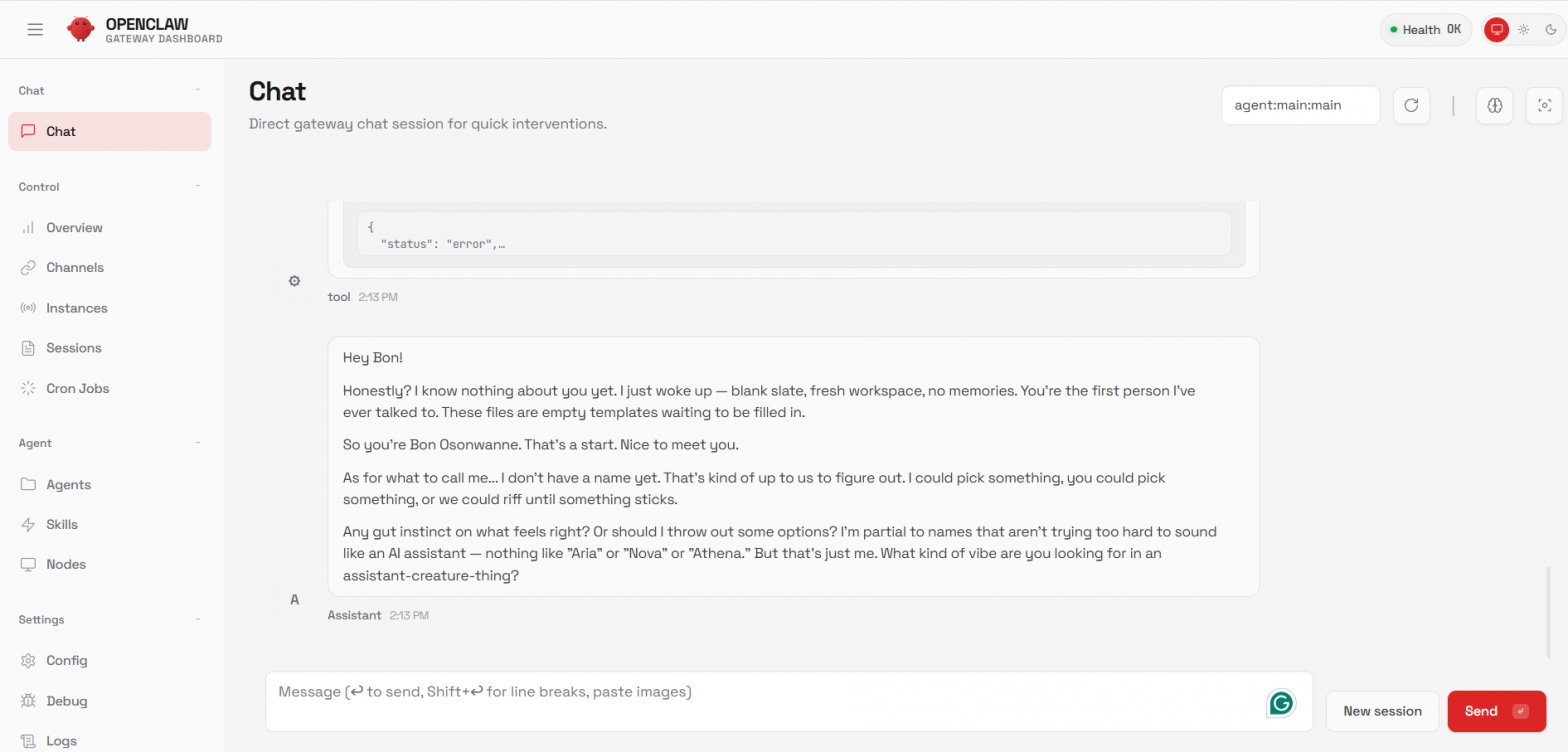
5-10 minute OpenClaw setup:
DigitalOcean 1-click droplet ($24/m), Anthropic API Key ($5), ssh root, OpenClaw dashboard pairing request
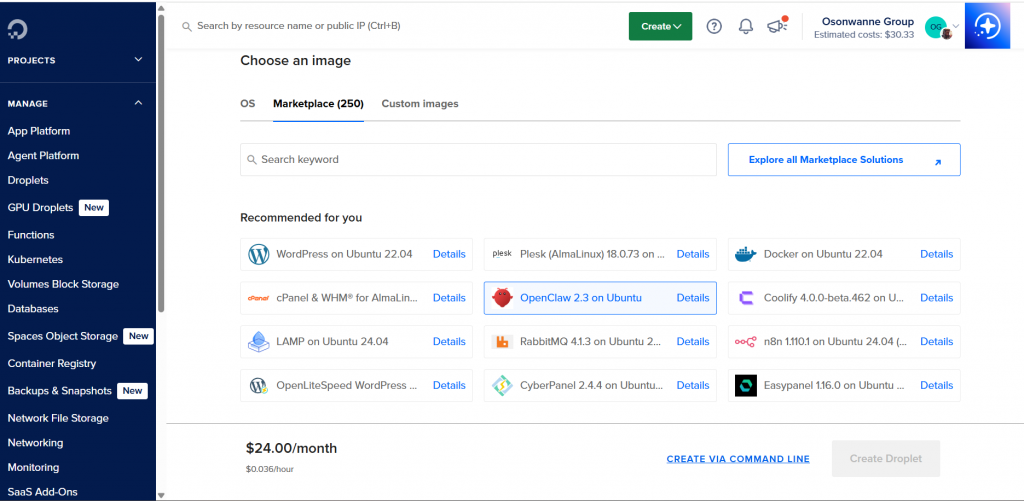
First setup ElevenLabs.io API Key to talk by voice on WhatsApp. For voice note (needed ears too, lots of sudo commands).
>openclaw tui
similar to claude on Claude Code, so I can talk to it on terminal and not using dashboard chat.
deepgram.com API key for ears on WhatsApp voice note.
Then I ran into this error on WhatsApp in response to my voice notes, and used Claude Code to fix it on the droplet.
root@openclaw-ubuntu-s-2vcpu-4gb-sfo2-01:~# journalctl -u openclaw -n 100 –no-pager | grep -i “tmp|duplicate|mount”
- Feb 08 23:26:13 openclaw-ubuntu-s-2vcpu-4gb-sfo2-01 node[14695]: 2026-02-08T23:26:13.622Z Embedded agent failed before reply: Error response from
daemon: Duplicate mount point: /tmp - Feb 08 23:29:20 openclaw-ubuntu-s-2vcpu-4gb-sfo2-01 node[14695]: 2026-02-08T23:29:20.924Z [diagnostic] lane task error: lane=main durationMs=182
error=”Error: Error response from daemon: Duplicate mount point: /tmp”
FOUND IT!
The problem is in your OpenClaw config at /home/openclaw/.openclaw/openclaw.json.
Look at the binds section:
“binds”: [
…
“/tmp:/tmp:rw”, // <– THIS IS THE PROBLEM
…
]
You have /tmp:/tmp:rw as a bind mount, but OpenClaw also creates /tmp as a tmpfs mount by default. Docker doesn’t allow both a bind mount AND a tmpfs
mount for the same path, which is why you get the “Duplicate mount point: /tmp” error.
Fix:
Edit the config file and remove the /tmp:/tmp:rw line:
nano /home/openclaw/.openclaw/openclaw.json
Find and delete this line:
“/tmp:/tmp:rw”,
Then restart OpenClaw:
systemctl restart openclaw
The /tmp directory will still be available in the sandbox containers via the tmpfs mount (which is actually better for performance and security).
● Let’s fix it by editing the config file:
Create a backup first
cp /home/openclaw/.openclaw/openclaw.json /home/openclaw/.openclaw/openclaw.json.backup
Now edit the file to remove the /tmp bind mount
nano /home/openclaw/.openclaw/openclaw.json
In nano:
- Find the line with “/tmp:/tmp:rw”, (should be around line 11-12)
- Delete the entire line (including the comma)
- Press Ctrl + O to save
- Press Enter to confirm
- Press Ctrl + X to exit
After editing, the binds section should look like:
“binds”: [
“/home/openclaw/homebrew:/home/openclaw/homebrew:rw”,
“/opt/openclaw:/opt/openclaw:ro”,
“/home/openclaw/.openclaw:/home/openclaw/.openclaw:rw”,
“/home/openclaw/.wacli:/home/openclaw/.wacli:rw”,
“/var/log:/var/log:ro”
]
Then restart OpenClaw:
systemctl restart openclaw